Registration and Installation
This page explains how the Heimdal onboarding process works, from receiving the invitation email to installing the Heimdal agent and activating protection on your device.
The process is secure, straightforward, and usually takes only a few minutes.

How does Heimdal onboarding work?
Heimdal is a cloud‑based cybersecurity platform designed to protect company devices against modern cyber threats.
Device onboarding is handled through a secure invitation and agent installation process, which ensures that only authorized devices are enrolled into the organization’s Heimdal environment.
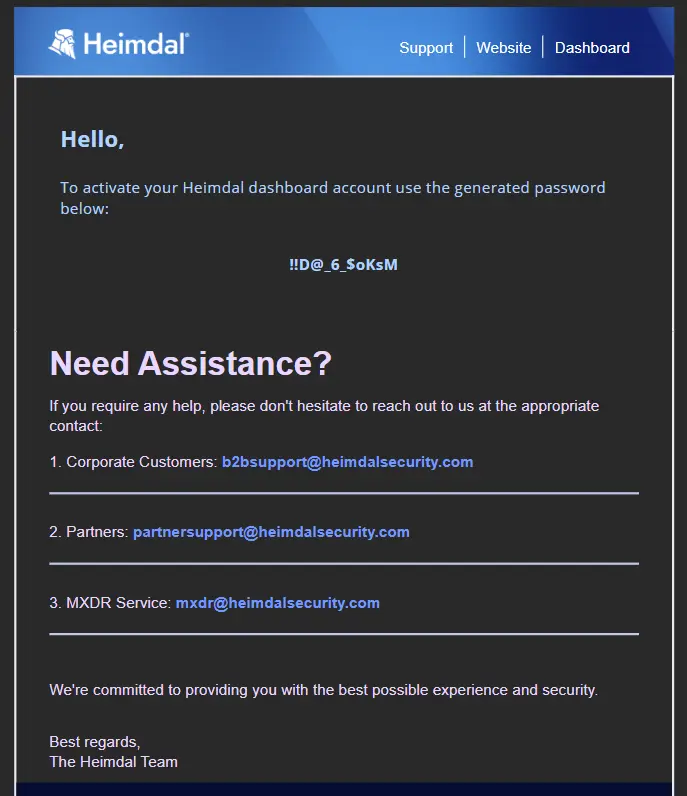
The user receives 2 emails
The onboarding process starts with an automatic invitation email sent by the organization’s Heimdal system.
One with tempotary generated password, second with activoation
If you cannot find the email, please check your Spam / Junk folder.
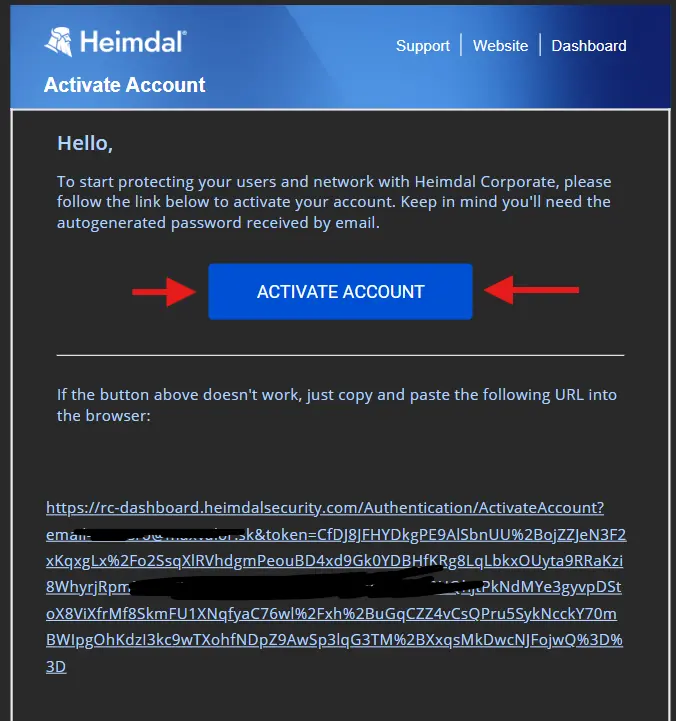
Account activation
By clicking the link in the invitation email, you are redirected to the Heimdal activation flow.
Current password you get separetly in email, please change your password and set up MFA!
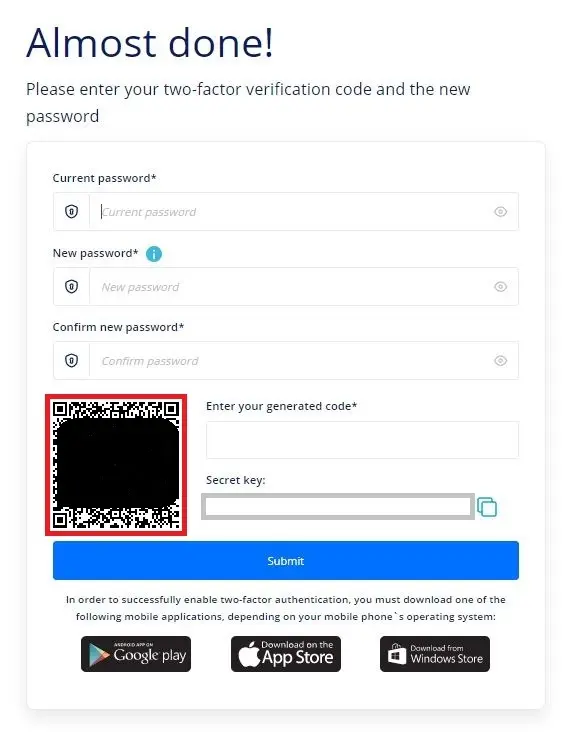
Set up MFA
Dont forget to set up mfa! it is important!
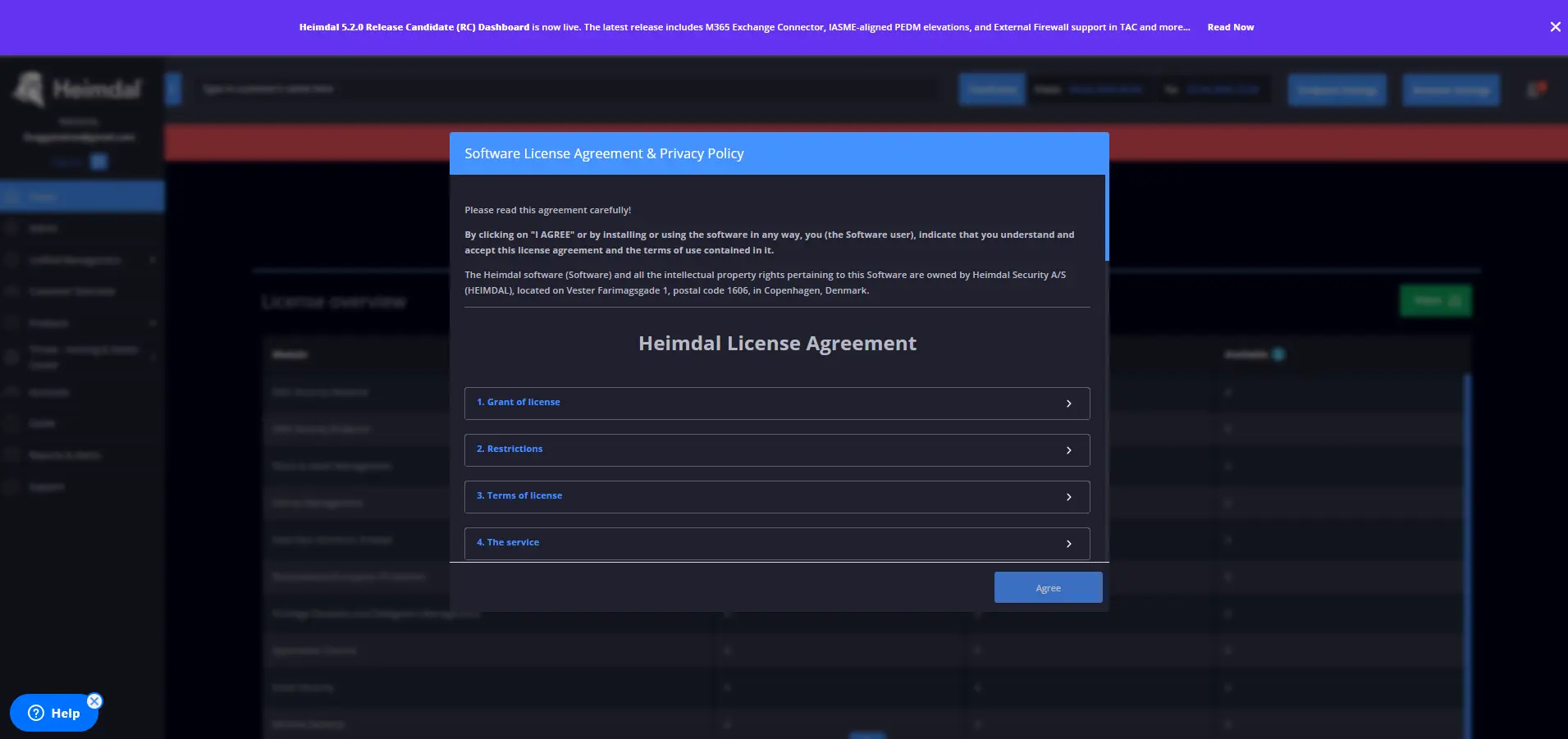
You Are in :)
More details on Heimdal's website
If you have any questions, please contact our product support team! [email protected]